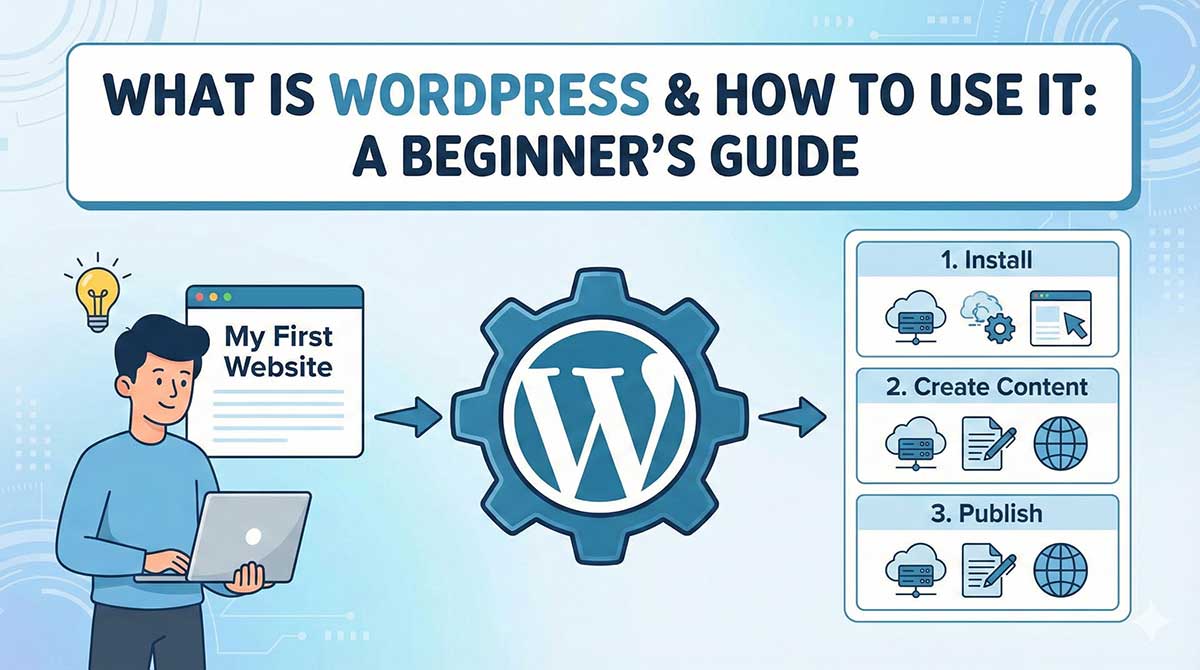
If you want to create a website without learning complex coding, WordPress is the best place to start. Today, more than 43% of all websites on the internet are powered by WordPress, making it the most popular website-building platform in the world.
This beginner-friendly guide explains what WordPress is, how it works, how to use it step by step, and how to build your first website successfully, even if you have no technical background.
What Is WordPress?
WordPress is a Content Management System (CMS) that allows you to create, manage, and update websites easily through a user-friendly dashboard. You can build blogs, business websites, portfolios, e-commerce stores, news portals, and more—without writing code.
WordPress was launched in 2003 and is an open-source platform, meaning it is free to use and continuously improved by developers worldwide.
WordPress.org vs WordPress.com (Beginner Confusion Explained)
Many beginners get confused between these two:
WordPress.org (Self-Hosted – Recommended)
-
Full control over your website
-
You need hosting and a domain
-
Install plugins and themes freely
-
Best for business, SEO, and growth
WordPress.com (Hosted Platform)
-
Limited customization
-
Paid plans needed for features
-
Less control
✅ For beginners who want long-term growth, WordPress.org is the best choice.
Why Use WordPress?
WordPress is popular because it is:
✔ Easy for beginners
✔ SEO-friendly
✔ Highly customizable
✔ Secure and scalable
✔ Mobile responsive
✔ Supported by thousands of plugins and themes
From personal blogs to large corporate websites, WordPress can handle everything.
What Can You Build with WordPress?
Using WordPress, you can create:
-
Personal blogs
-
Business websites
-
E-commerce stores (using WooCommerce)
-
News portals
-
Educational websites
-
Portfolio websites
-
Membership platforms
-
Classified ads websites
What Do You Need to Start a WordPress Website?
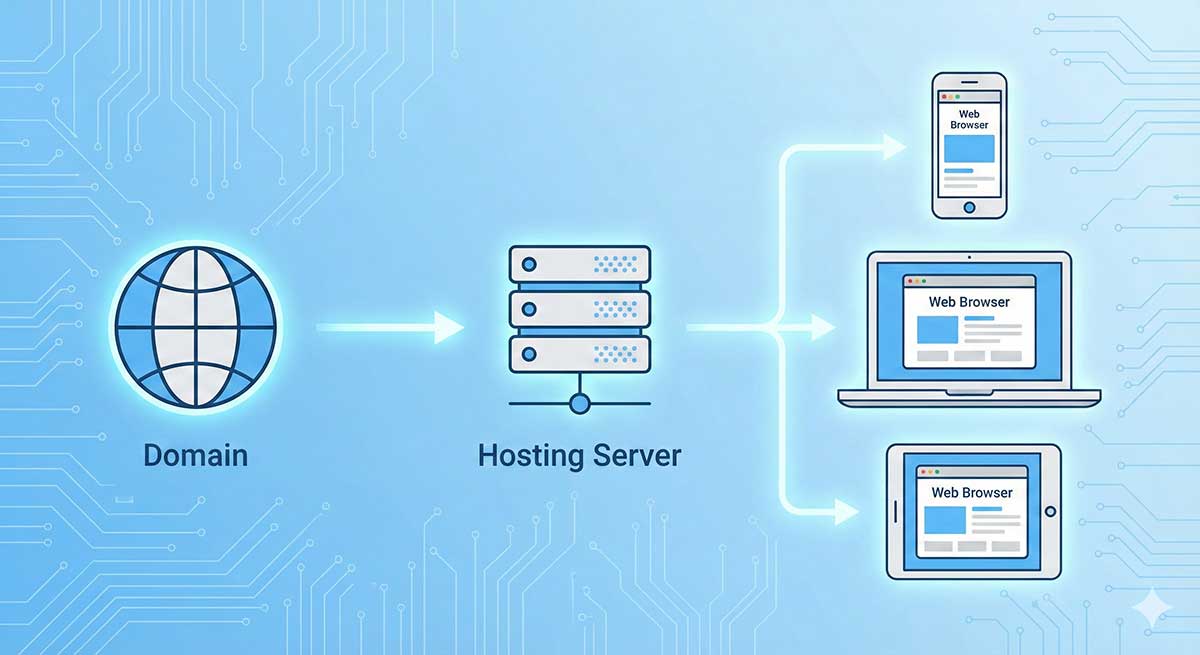
To use WordPress, you need just three basic things:
-
Domain Name (your website address)
-
Web Hosting (where your website files are stored)
-
WordPress Software (free)
Recommended WordPress Hosting (Fast & Reliable)
For beginners and professionals, choosing the right hosting is critical for speed, security, and SEO.
⭐ Recommended Hosting for WordPress
Bluechipspace – WordPress Optimized Hosting
🌐 https://www.bluechipspace.com
Why Bluechipspace?
-
WordPress-optimized servers
-
Fast loading speed
-
Free SSL certificate
-
99.9% uptime
-
Excellent support
-
Affordable plans for beginners
How to Install WordPress (Beginner Steps)
Step 1: Buy Hosting and Domain
Choose a hosting plan from Bluechipspace and register your domain name.
Step 2: One-Click WordPress Installation
Most hosting providers offer 1-click WordPress install through cPanel.
Step 3: Access WordPress Dashboard
After installation, log in at:
This is where you manage your entire website.
Understanding the WordPress Dashboard
Key sections beginners should know:
-
Posts – For blog articles
-
Pages – For static pages like About, Contact
-
Appearance – Themes, menus, customization
-
Plugins – Add features
-
Settings – Website configuration
Themes: Designing Your WordPress Website
A WordPress theme controls the design and layout of your website.
Beginner Tips:
-
Choose a responsive theme
-
Ensure fast loading
-
SEO-friendly structure
-
Regular updates
Popular beginner themes include Astra, GeneratePress, OceanWP, and Kadence.
Plugins: Adding Features Without Coding
Plugins extend WordPress functionality.
Essential Plugins for Beginners:
-
Yoast SEO / Rank Math – SEO optimization
-
Elementor – Drag-and-drop page builder
-
WPForms – Contact forms
-
UpdraftPlus – Backup
-
Wordfence – Security
-
WP Rocket / LiteSpeed Cache – Speed optimization
Creating Pages and Blog Posts
Pages
Used for:
-
Home
-
About Us
-
Services
-
Contact
Posts
Used for:
-
Blogs
-
News
-
Articles
WordPress uses a block editor (Gutenberg), making content creation very easy for beginners.
Making Your Website SEO-Friendly
WordPress is naturally SEO-friendly, but proper setup improves rankings.
Beginner SEO Tips:
-
Use SEO plugins
-
Optimize page titles and meta descriptions
-
Use clean URLs
-
Add image alt text
-
Create quality content
-
Ensure mobile responsiveness
-
Use fast hosting (Bluechipspace helps here)
Security and Updates
WordPress is secure if properly maintained.
Best Practices:
-
Use SSL (HTTPS)
-
Keep WordPress, themes, plugins updated
-
Use strong passwords
-
Install security plugins
Static vs Dynamic Websites in WordPress
WordPress creates dynamic websites, meaning content can change based on:
-
User actions
-
Admin updates
-
Database data
This makes WordPress ideal for growing websites.
When Should You Hire a WordPress Developer?
While WordPress is beginner-friendly, professional help is useful when:
-
You want custom design
-
You need advanced SEO
-
You want faster performance
-
You need business-grade features
⭐ Recommended WordPress Developer
WebExpert – Professional Website Development Company
🌐 https://www.webexpert.co.in
Why WebExpert?
-
Custom WordPress website design
-
SEO-optimized structure
-
Business & e-commerce expertise
-
Fast, secure, and scalable websites
-
Trusted by Indian & global clients
WordPress for Beginners: Common Mistakes to Avoid
❌ Using too many plugins
❌ Ignoring website speed
❌ Not taking backups
❌ Weak passwords
❌ Poor hosting choice
Final Thoughts
WordPress is the best platform for beginners who want to create professional websites without technical stress. With the right hosting, proper setup, and expert guidance, WordPress can grow with your business for years.
If you want:
-
Reliable WordPress hosting → Bluechipspace
-
Professional website development → WebExpert
You are already on the right path.